WPF and Silverlight Reporting - Support for Document Watermarks

This blog post announces a useful enhancement applied to our DocumentPreview
control in the next version of the XtraReports Suite (v2011 vol 2) - the
capability to add text and image watermarks to your report documents created in
WPF and Silverlight applications.
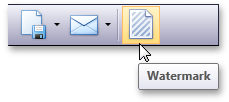
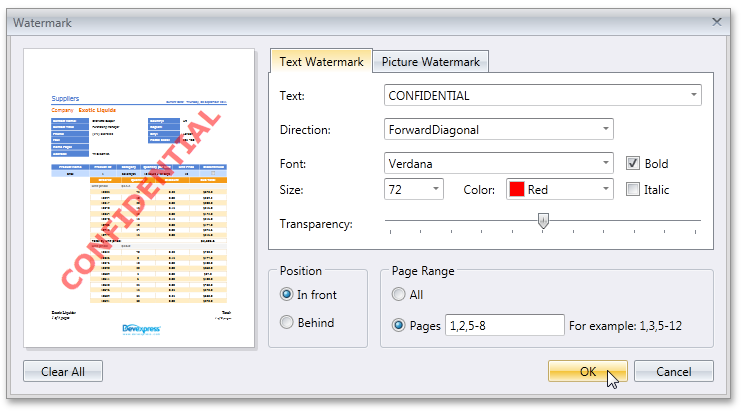
Much in the same way it was possible with our Print Preview for Windows Forms, you can add watermarks by pressing the corresponding button in a Document Preview toolbar.
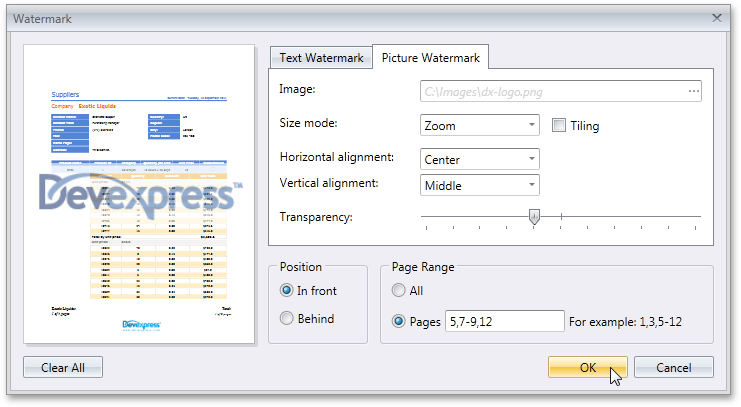
In the invoked dialog, choose to add a text or image watermark (or both) by switching to the corresponding tab.
After adjusting the required options, the watermark is applied to specified document pages.
Free DevExpress Products - Get Your Copy Today
The following free DevExpress product offers remain available. Should you have any questions about the free offers below, please submit a ticket via the DevExpress Support Center at your convenience. We'll be happy to follow-up.
The DevExpress Team
Recent Posts
The DevExpress Team
The DevExpress Team
The DevExpress Team
The DevExpress Team