XPO Beta feature: SqlDependency support

SqlDependency is a SQL Server 2005 feature that allows the database server to notify a client when changes occur in the database. XPO already has a strong caching infrastructure, but up until now it didn't have support for the SqlDependency feature. We will introduce this support in our DXperience 7.2 release, and the recent 7.1.3 release includes the feature as a beta. Please go ahead and test it and let us know of any problems you may find, but don't rely on its stability until 7.2 is released.
Prerequisites
To make the SqlDependency feature work, there are some requirements that have to be kept. Microsoft has all the information about this on MSDN.
A test program
To demonstrate how the feature in XPO works, I have created a small test program. It starts out like this (I left out the Person class - it's a standard persistent class, please download the source from below if you need it):
static void Main(string[] args) {
	XpoDefault.DataLayer =
		new SimpleDataLayer(new DataCacheNode(new DataCacheRoot(
		XpoDefault.GetConnectionProvider(
		MSSqlConnectionProvider.GetConnectionString(
		"(local)", "XPOSqlServer2005CacheAndNotification"),
		AutoCreateOption.DatabaseAndSchema))));

	using (Session initSession = new Session( )) {
		initSession.UpdateSchema(typeof(Person), typeof(XPObjectType));
	}

	for (; ; ) {
		using (UnitOfWork uow = new UnitOfWork( )) {
			Console.Clear( );
			XPCollection people = new XPCollection(uow);
			if (people.Count > 0)
				foreach (Person p in people)
					Console.WriteLine("Key: {0} Person: {1}", p.Oid, p.Name);
			else
				Console.WriteLine("Empty collection");
			Thread.Sleep(1000);
		}
	}
}
As you can see, the program simply sets up a cached connection provider, creates all the table structures for the Person class, and then goes into a loop, querying again and again for all the Person instances in the database. Now, of course I am interested to see what queries actually go through to the database, so I also activate logging in the App.config (see here for the background on that):
<?xml version="1.0" encoding="utf-8" ?>
<configuration>
	<system.diagnostics>
		<switches>
			<add name="XPO" value="3" />
		</switches>
	</system.diagnostics>
</configuration>
Now I run the application, and of course there's nothing in the database. The console shows "Empty collection" and the log output is also restricted to the minimum - note how the queries against the database are run just once, as the caching layer catches all the rest.
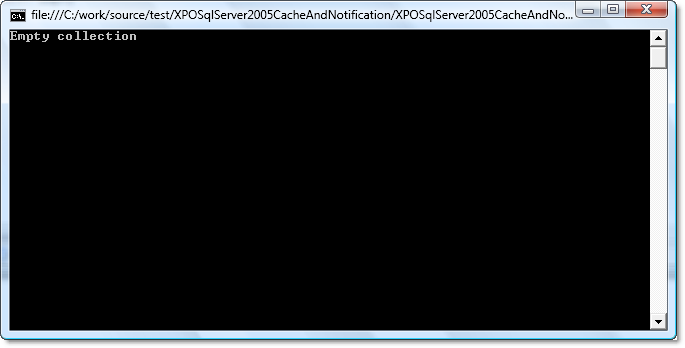
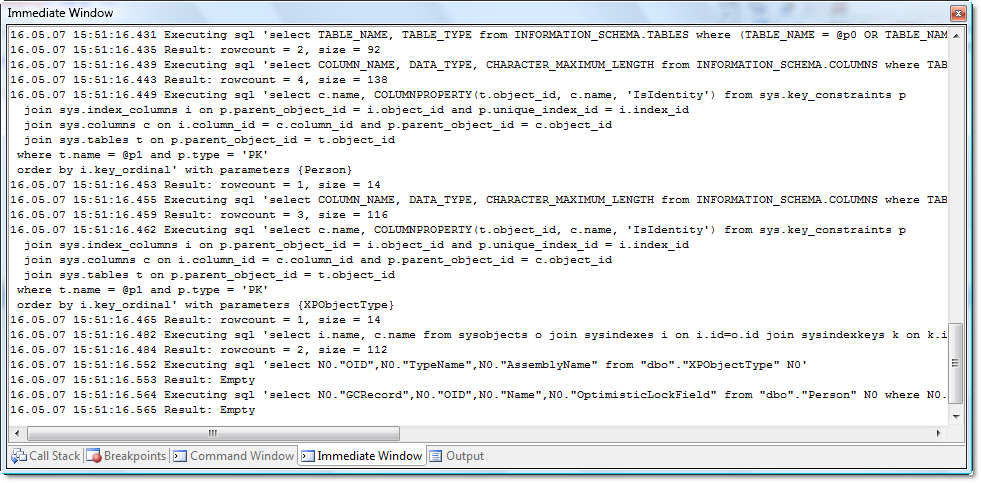
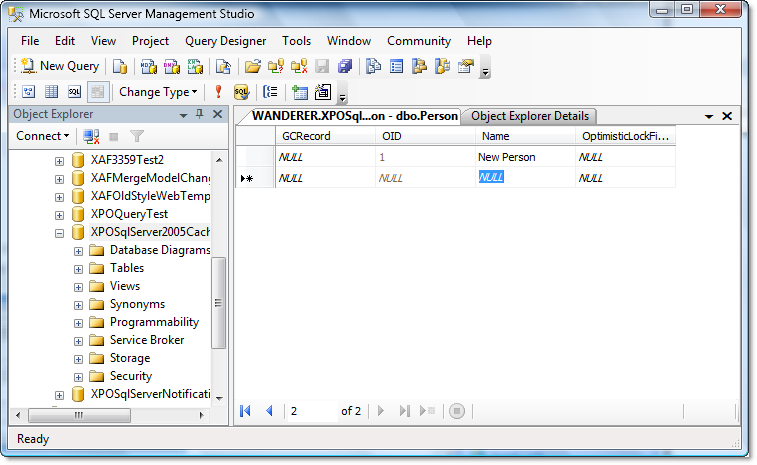
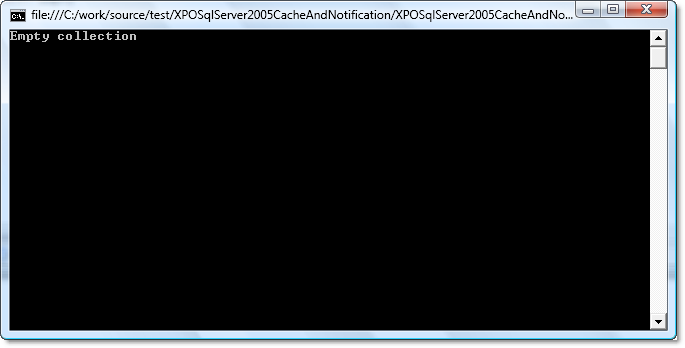
Now, the interesting thing here is that when I go and add a record to the Person table in SQL Server Management Studio (while leaving the application running), the change will not be picked up by the application. So effectively the application is suddenly running with invalid data, although it's requerying all the time, and even using new sessions as well. This is the problem that the SqlDependency feature can solve.
Using SqlDependency
Using the SqlDependency support requires just one change to the source code of the test program: instead of calling the standard GetConnectionString method on the MSSqlConnectionProvider class, I use the method GetConnectionString2005WithCache instead. Because the connection provider that is created under these circumstances includes caching by default, I don't need to create the DataCacheNode and DataCacheRoot classes myself. So the line that sets the data layer looks like this:
	XpoDefault.DataLayer =
		new SimpleDataLayer(XpoDefault.GetConnectionProvider(
			MSSqlConnectionProvider.GetConnectionString2005WithCache(
			"(local)", "XPOSqlServer2005CacheAndNotification"),
			AutoCreateOption.DatabaseAndSchema));
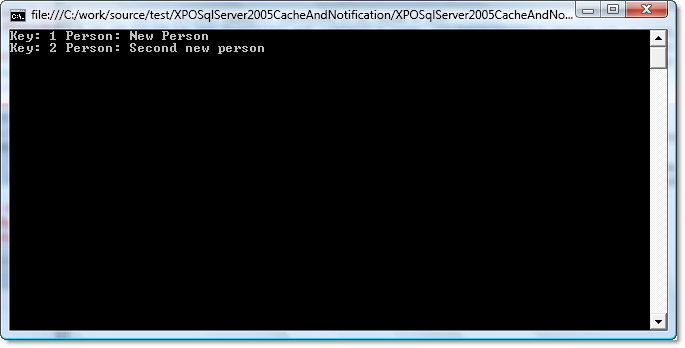
Now when I rerun the application, I still get the caching behaviour, so the log output in VS looks much the same as before. The difference is that as soon as a record is added from SQL Server Management Studio, the change is picked up automatically. The next XPCollection that the test program creates results in an actual database query and the changed data is correctly retrieved. I can see in the VS log output how the query is executed - just once, as needed.

Publishing the service
It is important to consider that the SqlDependency feature uses resources on the server. Basically, every time a change happens in a table that is being monitored, every subscribed client must be notified. In conjunction with XPO, it seems advisable to make use of the publishing infrastructure, for instance via .NET Remoting, so that only one subscriber to the server's change notification exists. For this purpose there's another helper method on the MSSqlConnectionProvider class, called GetConnectionString2005CacheRoot. Using GetConnectionProvider with a connection string returned by GetConnectionString2005CacheRoot results in an object that implements ICachedDataStore. When this object is published and a client connects to it using a connection string of http://host:port/servicename or tcp://host:port/servicename format, XPO creates a DataCacheNode on the client automatically. The result is a setup that still benefits from change notifications on the database server, but doesn't have great resource requirements.
As you have seen, the creation of objects that activate the SqlDependency feature is based on the connection strings. Incidentally, my own XPO publication service also uses connection strings in its configuration file, so it is compatible with this new feature. A connection string that would be returned by GetConnectionString2005CacheRoot would look like this, for example: XpoProvider=MSSqlServer2005CacheRoot;data source=(local);integrated security=SSPI;initial catalog=XPOSqlServer2005CacheAndNotification
Download
Here's the test program I created, if you want to try out everything for yourself: XPOSqlServer2005CacheAndNotification.zip (4109 bytes)
Free DevExpress Products - Get Your Copy Today
 Oliver Sturm (DevExpress)