in
Forums
Blogs
DevExpress.com
Client Center
Support Center
DevExpress Channel

This Blog

Syndication

News

Email Subscriptions

The ASPx Blog - Mehul Harry's DevExpress Blog

[Besides this blog, you can also follow me on twitter at: twitter.com/mehulharry]

ASP.NET, DevExpress, ASP.NET MVC, WebForms, ASPxGridView, Controls and News - This is The ASPx Blog, Mehul Harry's work blog. I write about all the latest info on DevExpress ASP.NET news and bring you relevant developer content including: Screencasts, How-Tos, Videos, and new features/controls from Developer Express.

DevExpress ASP.NET Themes – Easy 3 Step Customization for Your Projects

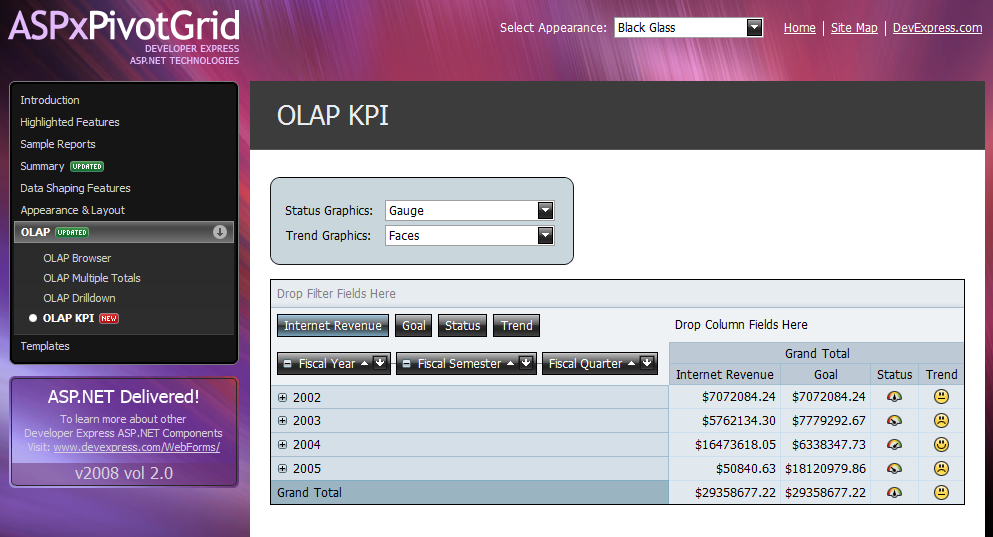
Check out the difference between a naked ASP.NET project and the same project using a Developer Express theme:
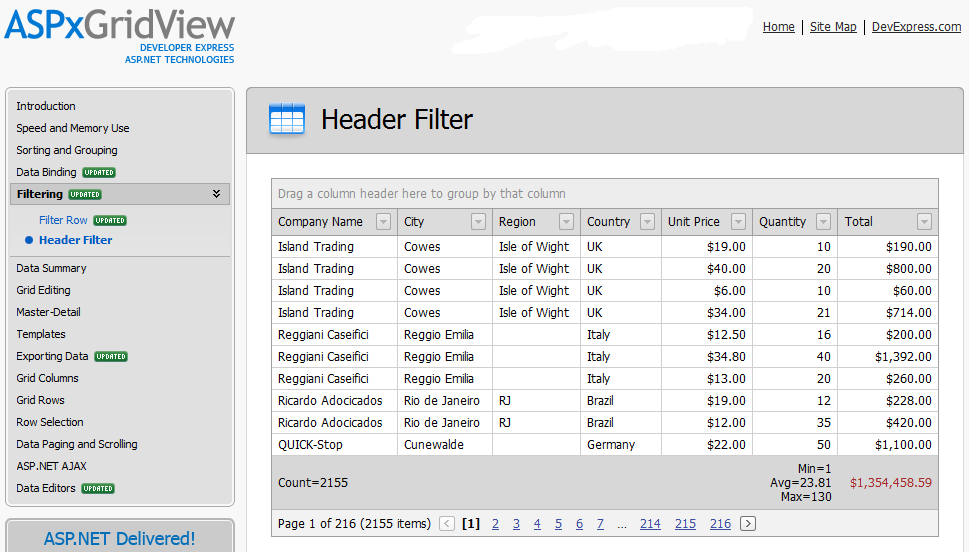
image image

Nice upgrade, isn't it? Here are the 3 simple steps to add Developer themes to your project: 

1. Add a Combo Box for Selecting the Theme

First you’ll need to decide on which page you want to put the theme selection combo box. You can put it on a master page so that it’s available on all derived pages. Or you can put it on a user customization page, like an options/settings page. Putting the the combo box at the top of the page will make it easier for the user to find and select the theme. You can see a sample of this in the ASP.NET demos. I recommend binding this combo box to an XML file that contain a list of the available themes.

2. Use DevExpress ASP.NET Theme Deployment Tool

There are several great pre-built themes that ship with our ASP.NET controls like the Office 2003 themes. Check out the ASPxThemeDeployer video to learn how to copy the DevExpress ASP.NET themes to your local web projects. Click the image to watch the video:

image

3. Add Code To Load/Save the Themes

In this last step, we’ll add some code to bind as well as handle the load/save of the themes to cookies. Add this code to your CodeBehind file which contains the combo box. This will load and save the selected theme into a cookie so the users don’t have to re-select their favorite theme every time. And to make it easier handle these cookies, include one of JavaScript utility files in a new folder called ‘scripts’:

  • C:\Program Files\Developer Express .NET v8.1\Demos\ASPxGridView\CS\ASPxGridViewDemos\Scripts\Utilities.js

This file contains some methods which we’ll call from the client-side to save the theme whenever the user selects a new theme:

<dxe:ASPxComboBox AutoPostBack="True" DataSourceID="xdsThemes" Width="150px" 
ID="cbSkins" runat="server" EnableViewState="False" 
ClientInstanceName="cbSkins" OnDataBound="cbSkins_DataBound">
<ClientSideEvents SelectedIndexChanged="
function(s, e) {   
	DXSaveCurrentThemeToCookies(s.GetSelectedItem().value);
}" />

Here's a complete sample project that shows the combo box for themes in action [Sample project: (C#) ChooseSkinDemo.zip | (VB) ChooseSkinDemoVB.zip].

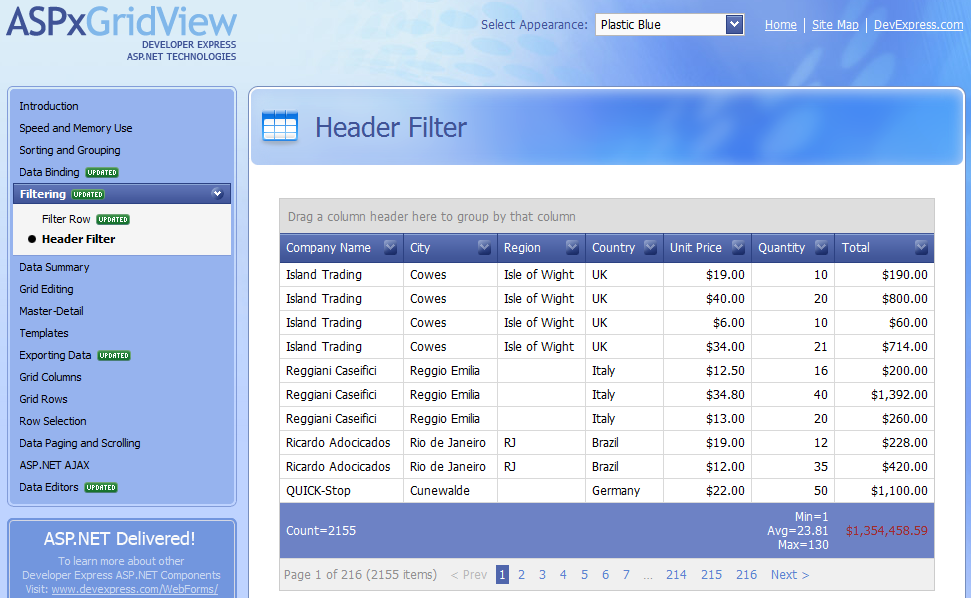
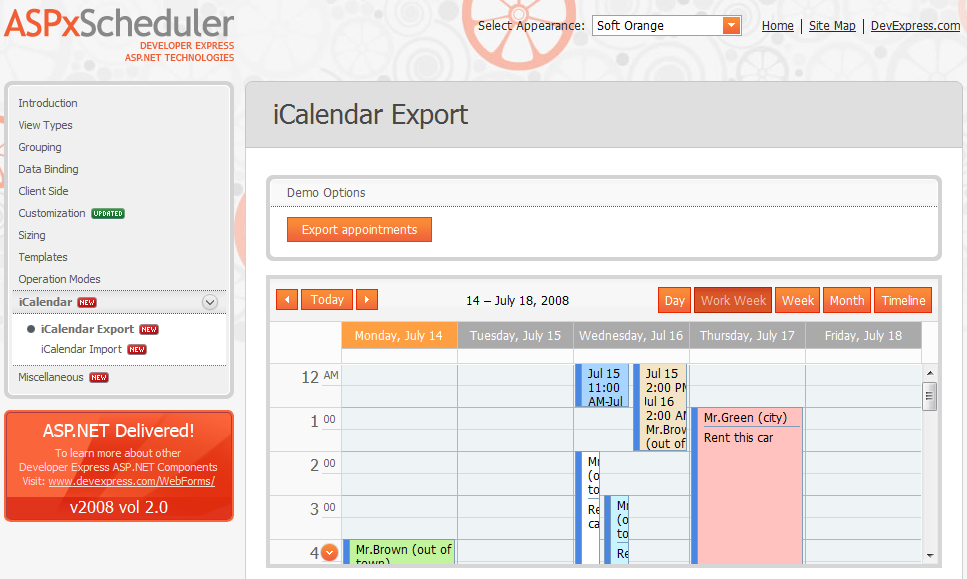
Soft Orange Red Wine
image image
   
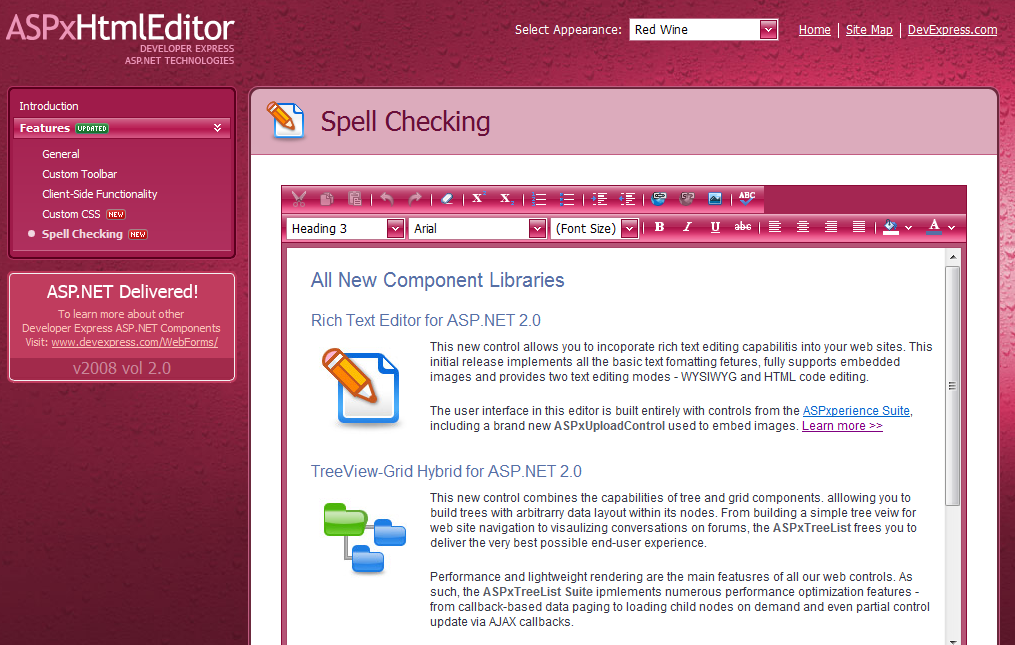
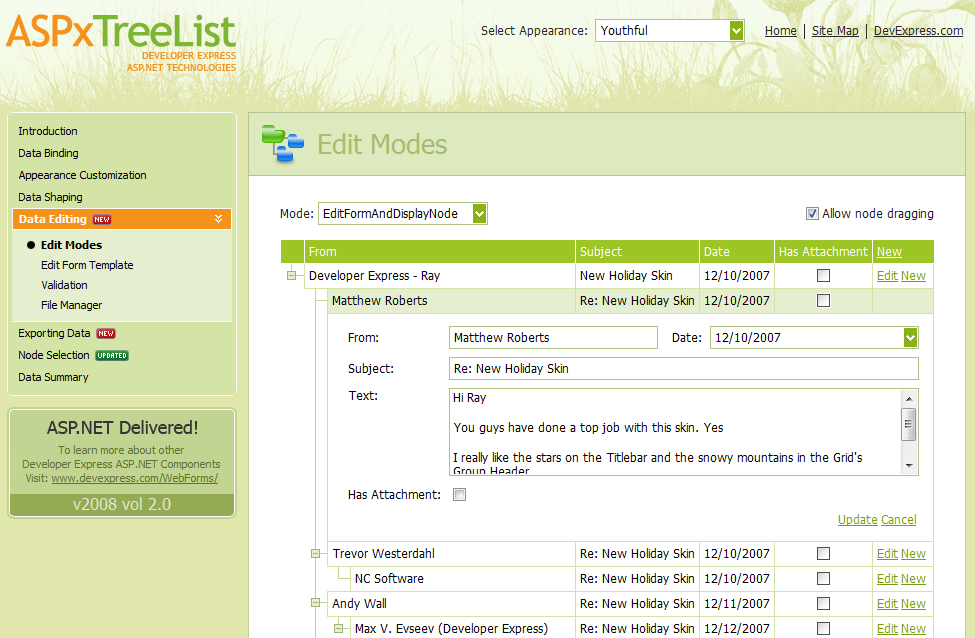
Youthful Black Glass
image image

Improve your UI by adding these Developer Express themes. Then leave a comment below about how much your users love this feature.

Published Jul 15 2008, 09:00 AM by Mehul Harry (Developer Express)

Comments


Geoff Davis said:

Nice touch Mehul, I'll definately check that out...

July 15, 2008 6:58 PM
 

Mehul Harry (Developer Express) said:

Thanks Geoff, this feature is mostly for the users but it's always a nice touch to give them some fun features like customizing the UI.

July 15, 2008 7:36 PM
 

Chris W Walsh said:

good job Mehul, though the Themes in the ASPxGridViewDemos folder are not the Complete Themes for ALL of the DevExpress ASP.NET controls.  

There is a suggestion lying around somewhere for DevExpress to provide a "complete" folder for each different theme :)

July 15, 2008 9:09 PM
 

Mehul Harry (Developer Express) said:

Thanks Chris. I'll look into that complete themes folder.

July 16, 2008 1:03 AM
 

Christopher D. Todd said:

Yeah, this is nice. I didn't realize switching themes was this easy. I am with Chris Walsh about the complete theme/skin folder. I know that some skin files do not exist for controls like the ReportToolBar, etc. I'm going through now and switching my current project over to use the theme/skin technique so I will have a better idea of what skin isn't provided shortly.

Thanks,

Chris.

July 16, 2008 1:57 PM
 

Christopher D. Todd said:

Actually, I just found all of the skin files that I was missing. They were located under the source folder. So, I don't see anything that isn't complete... yet.

July 16, 2008 5:12 PM
 

Alex said:

Anyone have the code in VB?

July 17, 2008 10:33 PM
 

Edgardo Zeno said:

I tried to apply thes skins to my web project and got this error.

Server Error in '/AllToolsBinarys' Application.

--------------------------------------------------------------------------------

Parser Error

Description: An error occurred during the parsing of a resource required to service this request. Please review the following specific parse error details and modify your source file appropriately.

Parser Error Message: Could not load file or assembly 'DevExpress.Web.ASPxEditors.v8.1' or one of its dependencies. The system cannot find the file specified.

Source Error:

Line 1:  <%@ Register TagPrefix="dxe" Namespace="DevExpress.Web.ASPxEditors" Assembly="DevExpress.Web.ASPxEditors.v8.1" %>

Line 2:  <dxe:ASPxButton runat="server"

Line 3:      CssFilePath="~/App_Themes/Alltoolswarehouse/{0}/styles.css" CssPostfix="Alltoolswarehouse">

Source File: /AllToolsBinarys/App_Themes/AllToolsWarehouse/ASPxButton.skin    Line: 1

Assembly Load Trace: The following information can be helpful to determine why the assembly 'DevExpress.Web.ASPxEditors.v8.1' could not be loaded.

WRN: Assembly binding logging is turned OFF.

To enable assembly bind failure logging, set the registry value [HKLM\Software\Microsoft\Fusion!EnableLog] (DWORD) to 1.

Note: There is some performance penalty associated with assembly bind failure logging.

To turn this feature off, remove the registry value [HKLM\Software\Microsoft\Fusion!EnableLog].

I am using dashcommerce as my platform.

any suggestions. Thanks.

--------------------------------------------------------------------------------

Version Information: Microsoft .NET Framework Version:2.0.50727.1433; ASP.NET Version:2.0.50727.1433

July 21, 2008 12:15 AM
 

Mehul Harry (Developer Express) said:

Hello Eduardo,

Sounds like you might be running an older version of DXperience. The code included uses v8.1.2 but you can change it using the the ProjectConverter tool included in our ".../Program Files/Developer Express..." folder.

July 21, 2008 1:50 PM
 

Dennis said:

Hi Mehul,

Is there a code in VB?

Thanks.

July 23, 2008 4:04 PM
 

Mehul Harry (Developer Express) said:

Hi Alex/Dennis,

You can check out the VB version of the project here:

http://tinyurl.com/5g9e4q

July 23, 2008 6:45 PM
 

Dennis said:

Thanks Mehul!

July 23, 2008 8:00 PM
 

Amin said:

I am trying to add the theme combo box to a master page and getting this error when I compile it.

'MyProj.Shell.MasterPages.DefaultMaster' does not contain a definition for 'Theme' and no extension method 'Theme' accepting a first argument of type 'MyProj.Shell.MasterPages.DefaultMaster' could be found (are you missing a using directive or an assembly reference?)

August 6, 2008 5:42 PM
 

Mehul Harry (Developer Express) said:

Hi Chris,

About the complete themes folder, you may want to track this suggestion: www.devexpress.com/issue=S91705

August 7, 2008 7:28 PM
 

Ric said:

Hi I am getting the below error when trying to use the DX Treelist on an ASP.NET project.

Thanks,

Error 1 The type or namespace name 'ASPxTreeList' does not exist in the namespace 'DevExpress.Web' (are you missing an assembly reference?) \ReportsAdminTool\Default.aspx.designer.cs 47 42 ReportsAdminTool

August 11, 2008 2:58 PM
 

Mehul Harry (Developer Express) said:

Hi Ric,

Do you have the Register command at the top of your aspx page? Something like this:

<%@ Register assembly="DevExpress.Web.ASPxTreeList.v8.2, Version=8.2.2.0, Culture=neutral, PublicKeyToken=9b171c9fd64da1d1" namespace="DevExpress.Web.ASPxTreeList" tagprefix="dxwtl" %>

August 11, 2008 3:35 PM
 

Blog de Rodrigo Juarez sobre TI » Blog Archive » Cambio de temas ASP.Net y DevExpress said:

Pingback from  Blog de Rodrigo Juarez sobre TI  » Blog Archive   » Cambio de temas ASP.Net y DevExpress

September 25, 2008 3:22 PM
 

Phillip Hawkins said:

Where's the default.aspx.designer.cs file?

October 3, 2008 5:05 PM
 

Mehul Harry (Developer Express) said:

Hi Phillip,

This is a web site and not a web application project so it doesn't have the designer file(s):

http://tinyurl.com/3t32vl

October 3, 2008 5:41 PM
 

RP said:

Huge thanks.

BTW I have found I klot of Themes under the C:\Program Files\Developer Express .NET v8.2.6\Demos\ASPxperience\ASPxperienceDemos\App_Themes.

27 Themes!

December 3, 2008 12:36 PM
 

The ASPx Blog - Mehul Harry's DevExpress Blog said:

There’s a new ASP.NET theme available called Aqua . And true to its name, the Aqua theme has a light

December 4, 2008 5:31 PM
 

Mehul Harry (Developer Express) said:

Hello Deepak,

Please contact our support team who can help you figure out the specific cause of the issue. Thanks.

February 9, 2009 2:10 PM
 

The ASPx Blog - Mehul Harry's DevExpress Blog said:

Check out this 8 minute ASPxGridView change themes dynamically video . In the video, you'll learn

February 18, 2009 6:44 PM
 

The ASPx Blog - Mehul Harry's DevExpress Blog said:

I’ve mentioned before about how the DXperience 2009 volume 2 release packs all the DevExpress ASP.NET

July 24, 2009 6:29 PM
 

viv said:

Hi mehul

Please tell how to implement all this for a master page

where to put the code if i have a combobox in masterpage

September 8, 2009 11:37 AM
 

Mehul Harry (Developer Express) said:

Hello Viv,

Take a look at this:

www.devexpress.com/issue=Q214797

If that doesn't help then please contact our support team:

www.devexpress.com/.../CreateIssue.aspx

September 8, 2009 8:19 PM
 

Marek Kajta said:

I have multiple master pages and was wondering how do you dynamically change the theme for the entire site upon user selection (dropdownlist).

Eg. I have MasterPage.master which is only used for the default.aspx page. I have admin.master for all subsequent pages. The dropdownlist for theme selection is on the masterpage.page page.

When I use your example it works well with the default.aspx, but doesn't work with the admin.page and all the subsequent pages.

When I try to put the code for changing the theme on the preinit of default.aspx, it only changes the theme of the default.aspx page and none of the others (which use a different master page).

I'm using DevExpress 9.1.x

Any help is appreciated.

October 15, 2009 5:23 PM
 

Mehul Harry (Developer Express) said:

Hi Marek,

I recommend uploading that sample to the support center and they can help you:

www.devexpress.com/.../CreateIssue.aspx

October 15, 2009 8:35 PM
 

grignolino said:

This blog contains really good stuff.Thanks for sharing this interesting blog.

January 19, 2010 5:58 AM

Leave a Comment

(required)  
(optional)
(required)  
Verification code: Required
   
Add

About Mehul Harry (Developer Express)

Mehul Harry is an ASP.NET technical evangelist at Developer Express. You can reach him directly at mharry@DevExpress.com. You can also follow him on Twitter: http://twitter.com/mehulharry
Copyright © 1998-2010 Developer Express Inc.
ALL RIGHTS RESERVED