ASP.NET Bootstrap - Responsive Project Template (v19.1)

In our v18.2 release cycle, we shipped a highly popular responsive project template for ASP.NET WebForms controls and MVC Extensions.
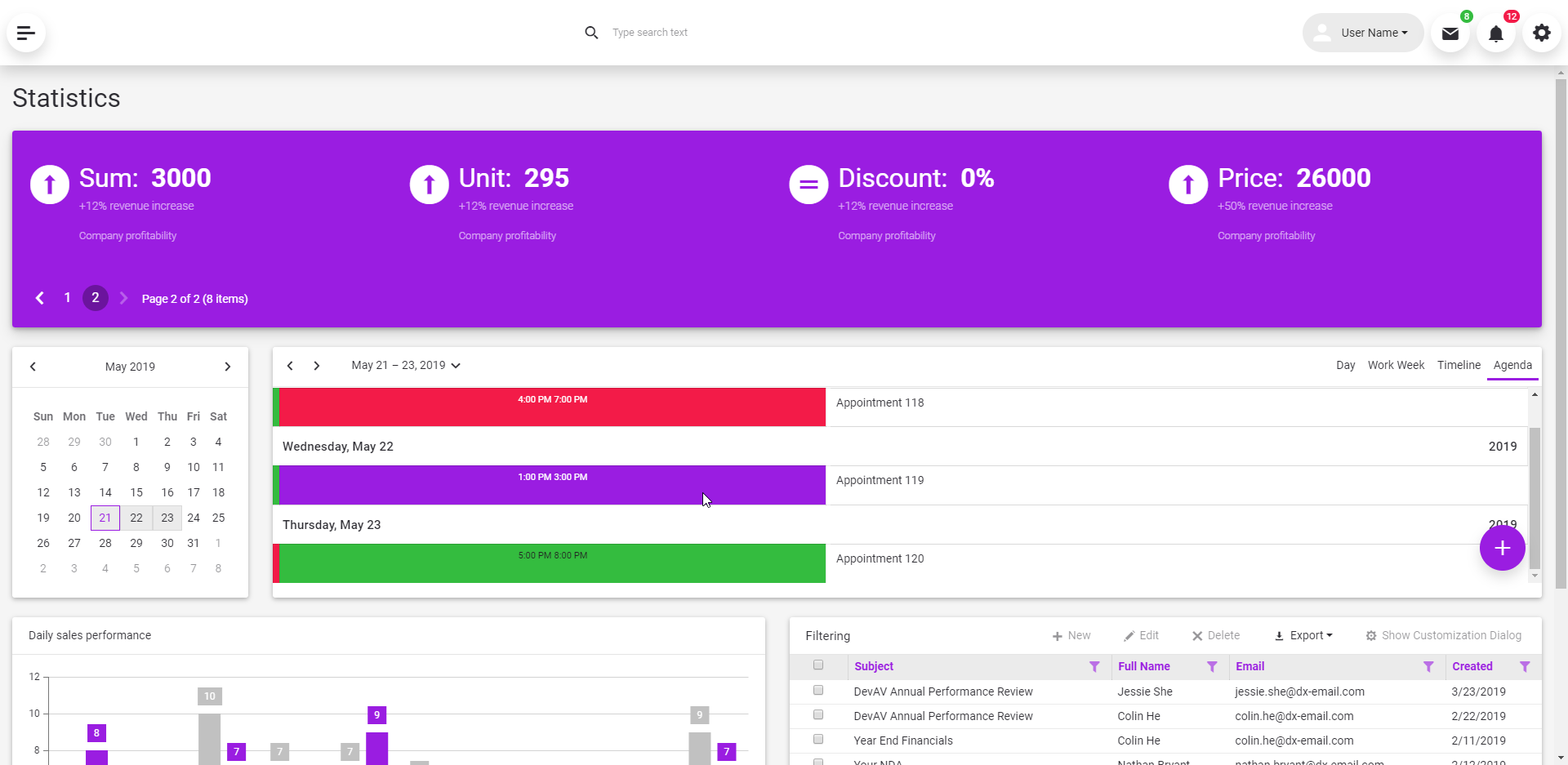
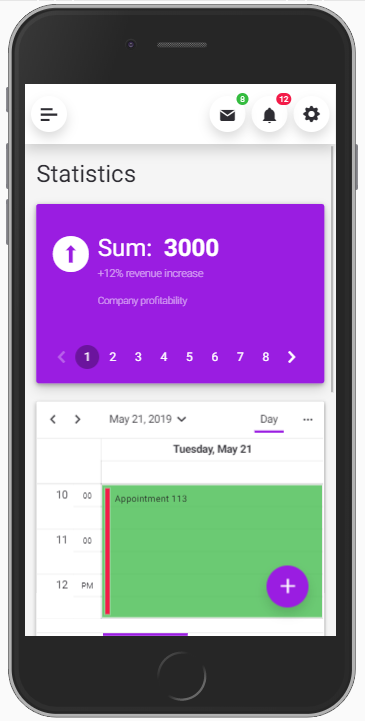
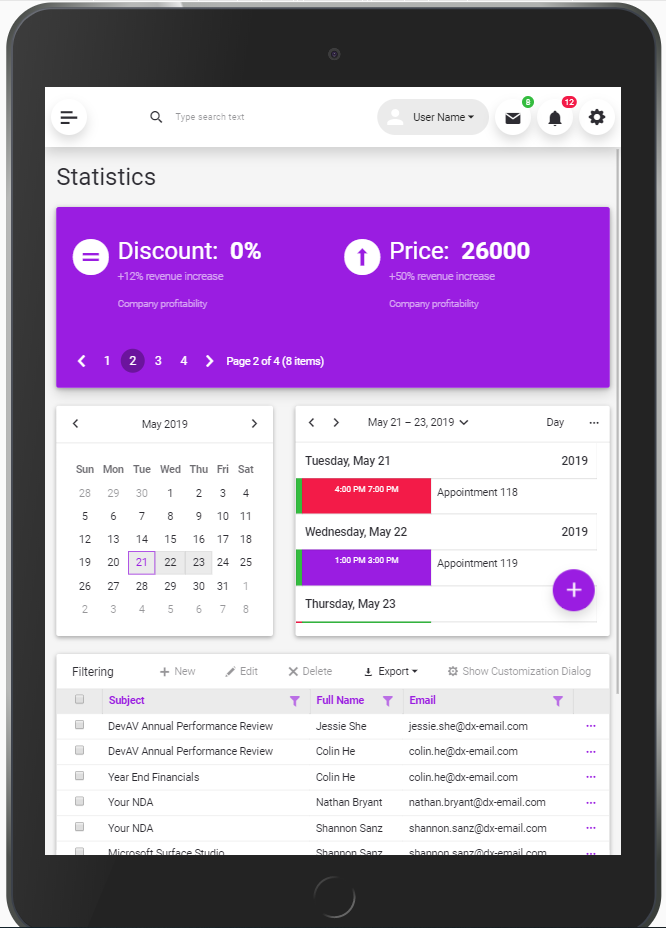
With our most recent release, we’ve extended the capabilities of our ASP.NET WebForms for Bootstrap suite with a similar project template. As you can see from the images below, this template allows you to create engaging and mobile-friendly apps with ease.
Desktop
Mobile
Tablet
The template consists of the following main elements:
- A header with an adaptive
BootstrapToolbarcontrol. It also contains an icon to hide the sidebar and theme switcher:

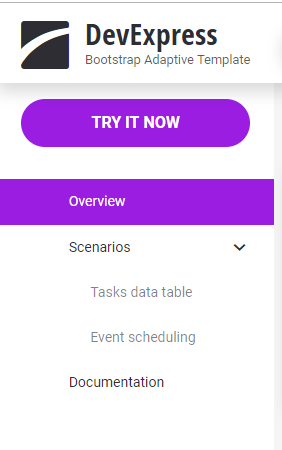
- The sidebar is generated by using predefined Bootstrap classes. It contains a
BootstrapTreeViewwithin it.
- The Overview page (
Default.aspx) has a mobile-friendly dashboard-inspired layout. The page contains our most popular Bootstrap controls:BootstrapGridView,BootstrapCardView,BootstrapSchedulerDateNavigator,BootstrapScheduler,BootstrapChart.
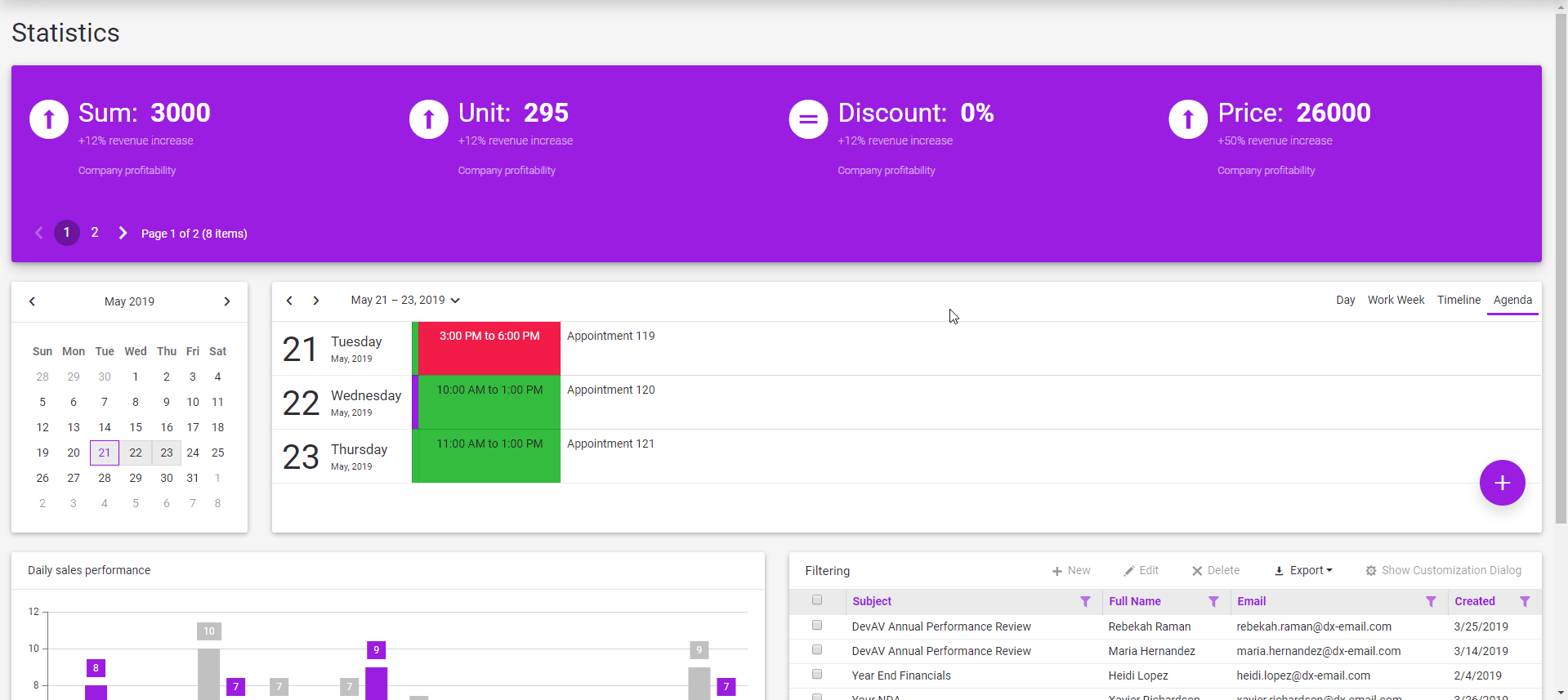
All controls are placed in adaptive containers: UserControls you can find in the 'UserControls' subfolder.
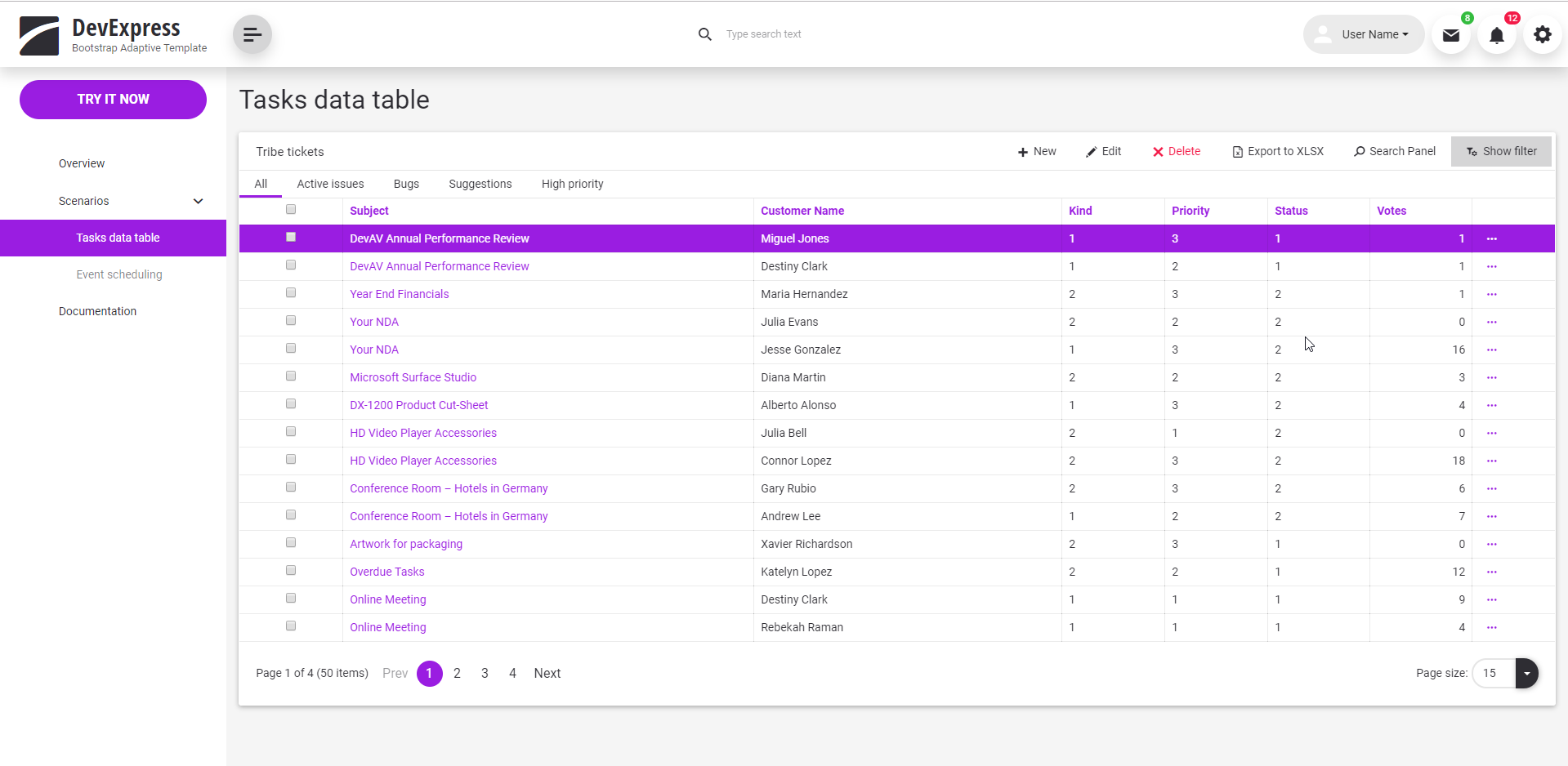
- The 'Tasks data table' (
TasksDataTable.aspx) page contains an adaptive BootstrapGridView. The grid has an additional toolbar whose content is based on the selection made within the main toolbar.
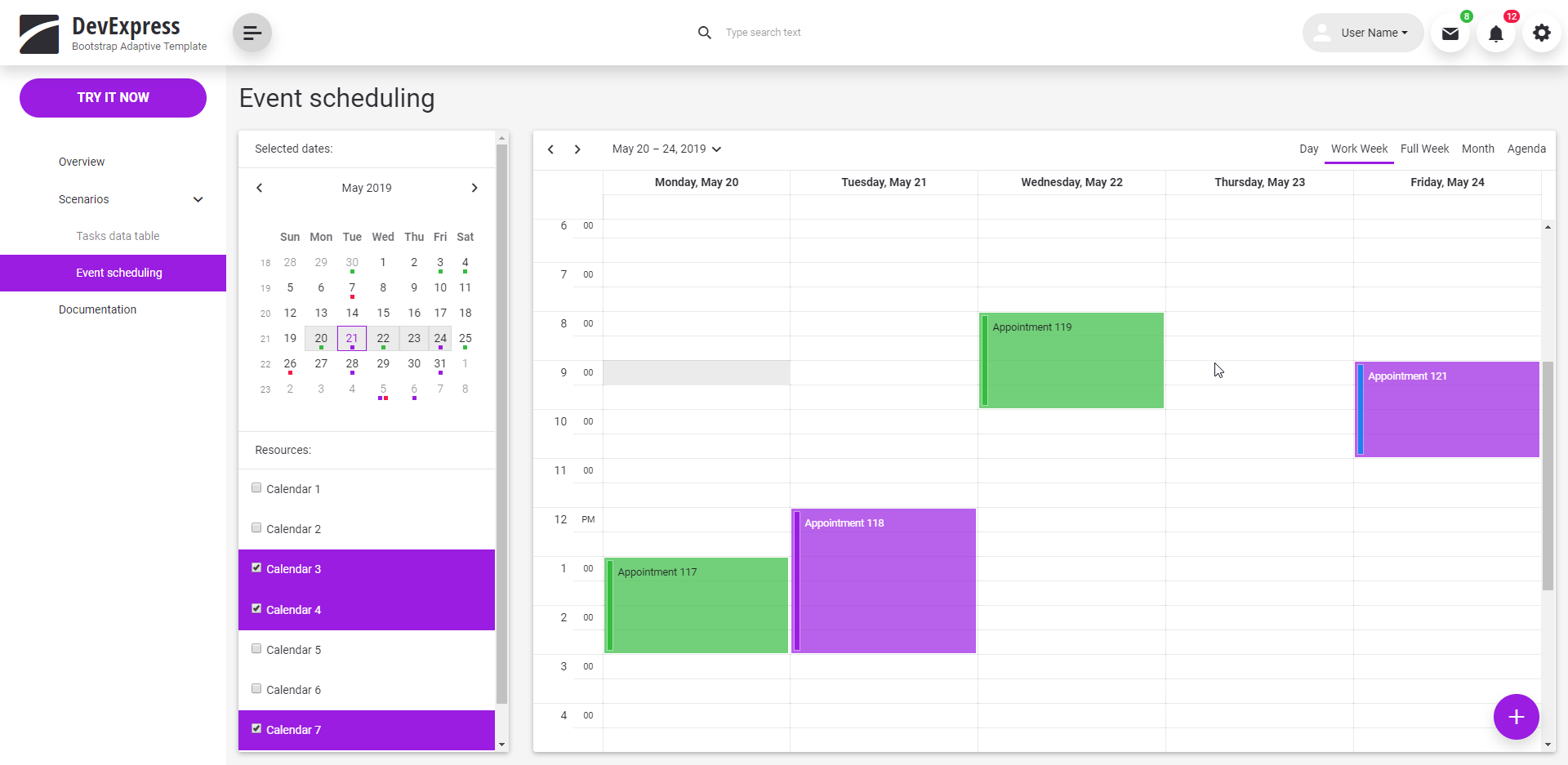
- The 'Event scheduling' (
EventScheduling.aspx) page demonstrates stand-alone controls:BootstrapScheduler,BootstrapSchedulerDateNavigatorandBootstrapListBox.
For more information, please review the project template’s content in our online demo:
https://demos.devexpress.com/RWA/BootstrapResponsiveTemplate/
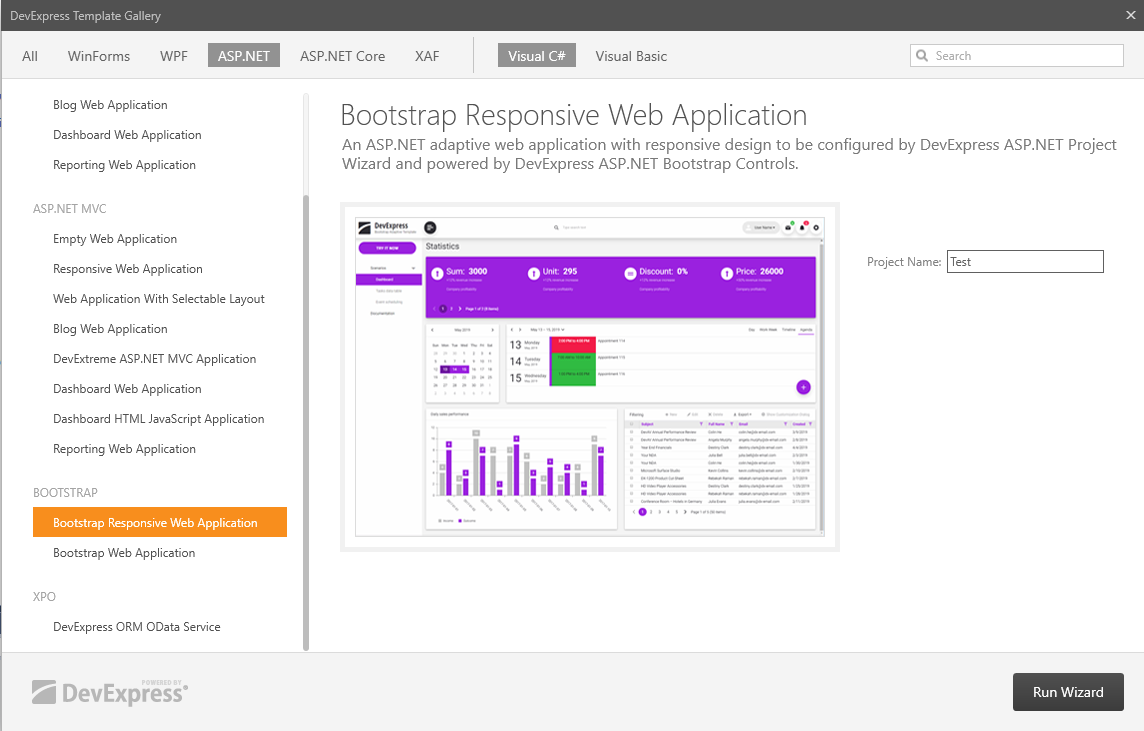
You can find the new responsive project template in the DevExpress project template gallery:
Your Feedback is Welcome
We’d love to hear what you think:
Free DevExpress Products - Get Your Copy Today
 The DevExpress Team