WinForms — Year-End Roadmap (v26.2)

First and foremost - thank you for choosing DevExpress and for your on-going support. In this blog post, I'll review the major features we expect to ship in our year-end release (v26.2 - December 2026). As always, you can expect other additions across our entire range of WinForms controls once we officially ship v26.2.
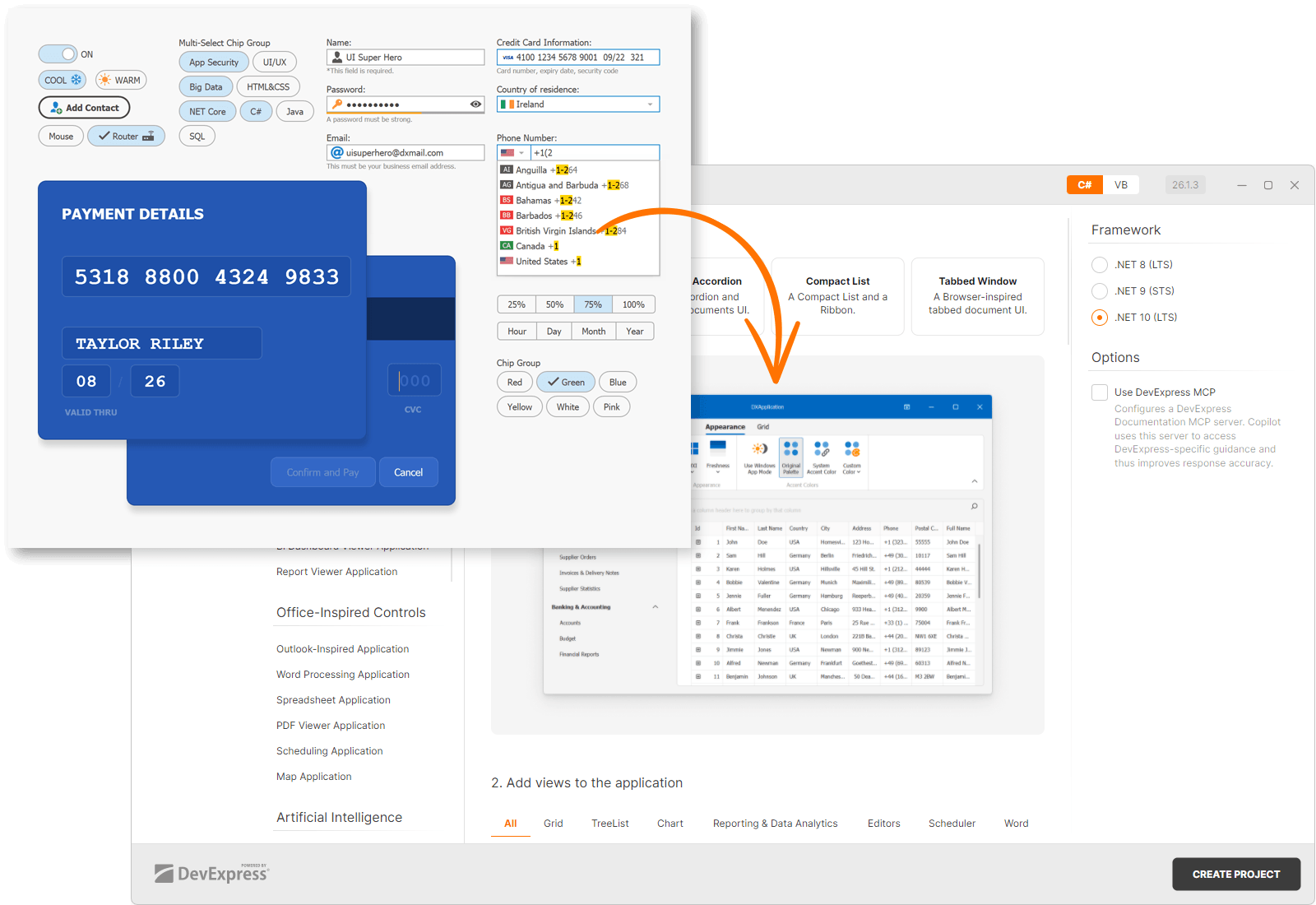
.NET 11 Support
DevExpress WinForms controls will support .NET 11 (both v26.1 and v26.2) following Microsoft's official release.
Minimum Supported .NET and Visual Studio Versions
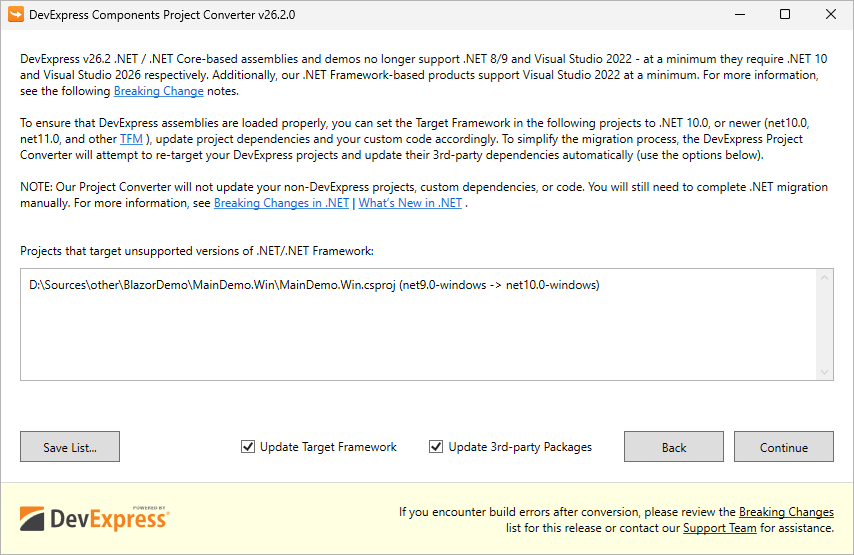
Automatically Re-target DevExpress-based Projects to .NET 10 and Update 3rd Party NuGet Packages
For .NET/.NET Core, we recommend using the DevExpress Project Converter to update all DevExpress-related and third-party project references, packages, and configurations automatically. See also a related Breaking Change notice.
Separate NuGet Packages for Different .NET Versions (.NET 10, .NET 11, etc.)
Today, third-party dependencies are automatically patched after a detected vulnerability (for example, a vulnerability in System.Security.Cryptography.Xml) only for the minimally supported .NET version (today it's .NET 8). Today (with v26.1, v25.2, v25.1, v24.2), manual version pinning (Solutions #1 or #2 from this article) may still be required for .NET 9/10-based projects depending on their exact TFM and project SDK. We will provide .NET-specific dependency groups in DevExpress NuGet packages, which will simplify use of v26.2.
Security — SBOMs and CRA Readiness
If you deliver software in the EU, the Cyber Resilience Act (CRA) will require a Software Bill of Materials (SBOM – an inventory of every component inside your solution) as part of your conformity documentation. The CRA and its associated regulatory regime will go into effect on December 2027. Each software application/solution manufacturer must fulfil SBOM-related obligations. DevExpress-authored SBOMs will help customers document/inventory DevExpress libraries used within a DevExpress-powered app.
- Components embedded inside a package. Some DevExpress NuGet packages bundle fonts and third-party JavaScript libraries. Package metadata has no way to declare them, so a scanner never reports them — even though their licenses and vulnerabilities are as real as those of any declared dependency.
- Developer dependencies. Libraries we use to build our products never reach users, so we mark them with
scope: "excluded". We list these libraries regardless, because all vulnerabilities should be documented.
WCF Dependency Will Be Removed from XPO and Printing Core Libraries
These core libraries currently include references to WCF (Windows Communication Foundation), a standard library with a well-documented history of vulnerability disclosures in its dependencies ("thanks" to System.Security.Cryptography.Xml). We will remove these WCF references from DevExpress.Xpo core and DevExpress.Printing.Core libraries in v26.2. .NET Framework users will use the new DevExpress.Xpo.Services and DevExpress.Printing.Remote libraries instead (if you need this advanced and rarely used WCF functionality). The Project Converter will update project references automatically, so you should not encounter upgrade-related issues.
Fluent Icons
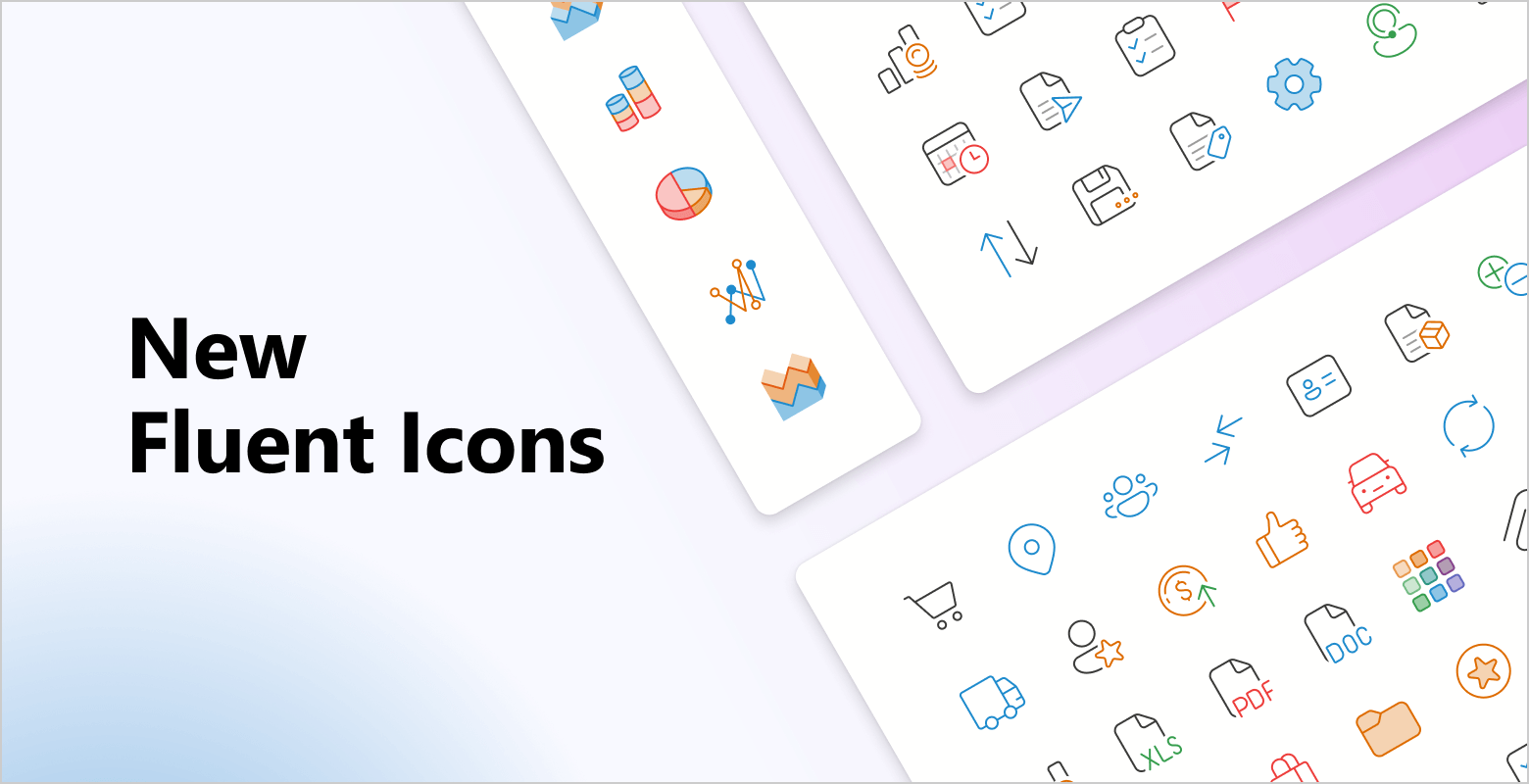
We continue to extend our Fluent Icon set and integrate it across our control library.
Global Switch
You will be able to switch to the Fluent Icon set across all DevExpress WinForms controls. A public API will let you control the SVG image for each icon, and a global option will switch the icon set application-wide. Our new icons will also appear across our demos and the DevExpress Template Kit.
Extensive Library
The DevExpress Icon Suite already includes more than 13,000 icons, and we'll continue expanding it with additional Fluent assets to support even more usage scenarios. To maintain ease of use, we will group icons by the following attributes:
- Set — Fluent, Desktop Classic, Blazor
- Style — Regular, Filled
- Color — Monochrome, Multicolor
- Size — 16, 20, 24, 28, 32, and 48 (different sizes ensure that lines are not too thick when SVG icons are scaled)
These icons and settings will be available at design time in our enhanced Image Gallery.
Size-Based Image Selection
AI Coding Skills
We are developing AI agent skills to help you build DevExpress WinForms applications using AI coding agents (such as Claude Code and GitHub Copilot). The skills will encode DevExpress best practices for the following development requirements:
- Appearance Customization. The skill will select the most appropriate technique for the target control based on the specified task.
- UI Automation Test Authoring. You will be able create UI Automation tests for WinForms views with DevExpress controls.
- Form Code Structuring. The skill will help AI agents to properly add code to
*.designer.csfiles without losing design-time capabilities.
AI Chat Control
Workflow Visualization Support
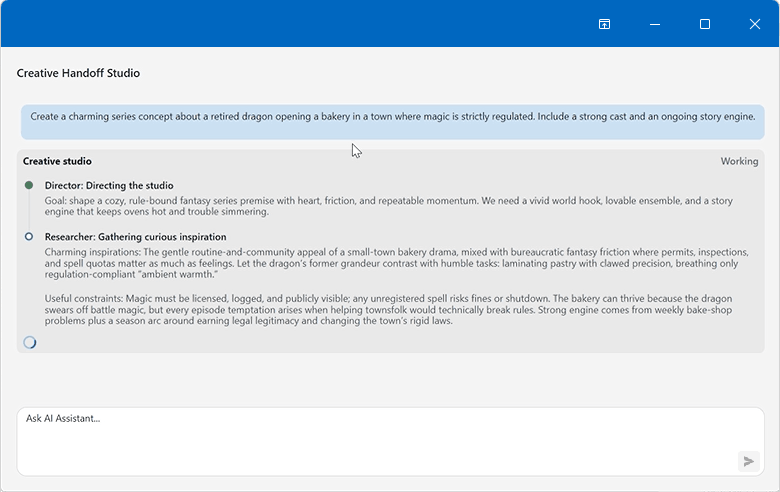
Beyond single-agent chat, we are researching built-in visualization options for multi-step workflows in our AI Chat control. A single workflow can include multiple agents, parallel steps, tool calls, and tool-approval requests. The visualization will display details for each step, so users can follow the process.
AG-UI Demos
Agent–User Interaction (AG-UI) is an event-based contract between an AI agent and the user interface. Beyond plain text, it carries tool calls, state snapshots, state deltas, approvals, and activity events.
We will ship a set of WinForms demos you can use as a starting point for your own application. The demos will highlight the following capabilities of our WinForms AI Chat Control when connected to an AG-UI backend:
- Visualized tool-call results — backend tool-call results appear as structured UI instead of raw text.
- Interactive multi-step flows — the agent guides the user through a multi-step process and renders interactive elements at each step.
- Human-in-the-loop actions — the agent prepares an action, such as placing an order, but runs it only after the user approves, edits, or rejects it.
- Interaction with view components — the agent reads and updates the state of view components outside the chat control.
Localization / Globalization
Improved Localization Support with AI-powered Translations
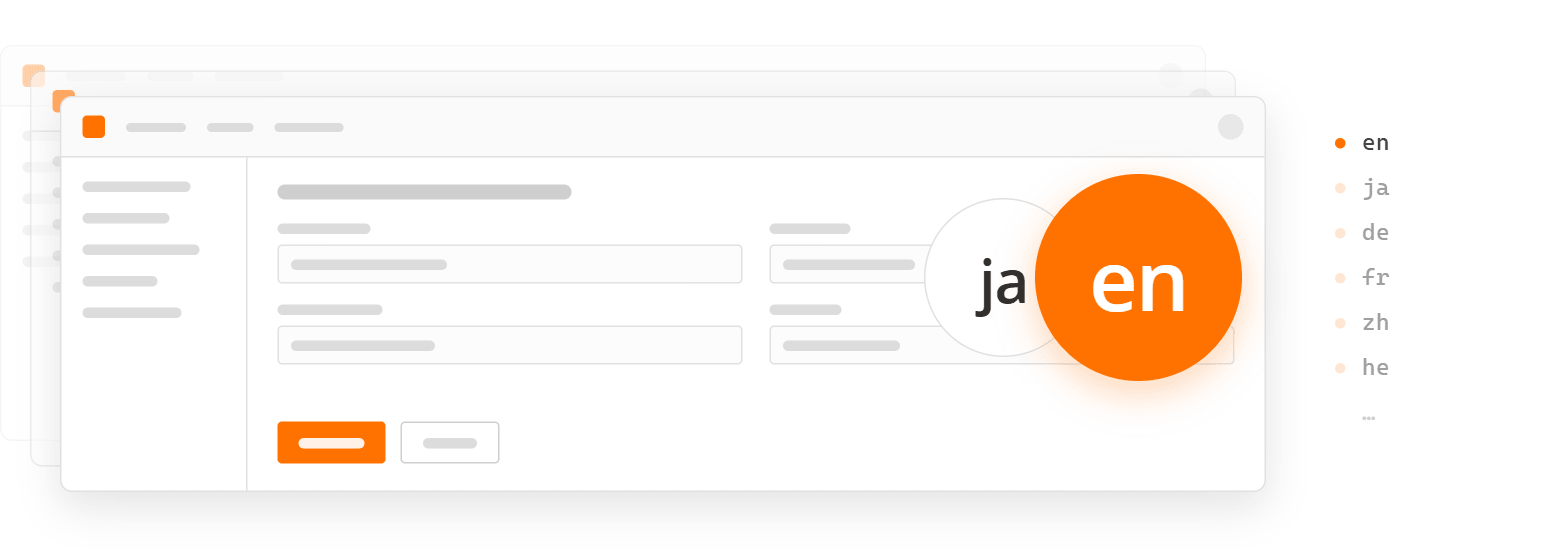
We expect to ship complete built-in localizations for a selected set of languages in the new DevExpress Localization Tool. Professional translators have already translated and reviewed approximately 80% of our German localization. To broaden language coverage while maintaining translation quality, we plan to leverage AI-powered translation workflows. The workflow will not rely on direct translation alone - it will also consider additional context:
- Usage context - how each string is used, collected from our source code.
- Established Microsoft terminology (obtained from the Microsoft Terminology Collection).
Web Localization Service — Supported Versions Limited to v23.2+
User translations for v23.1 and earlier releases will no longer be available through the Localization Service UI (view, edit, download, create). These translations will be retained by DevExpress should you require them. You can request your old translation archives via the DevExpress Support Center.
DateTimeOffset Support
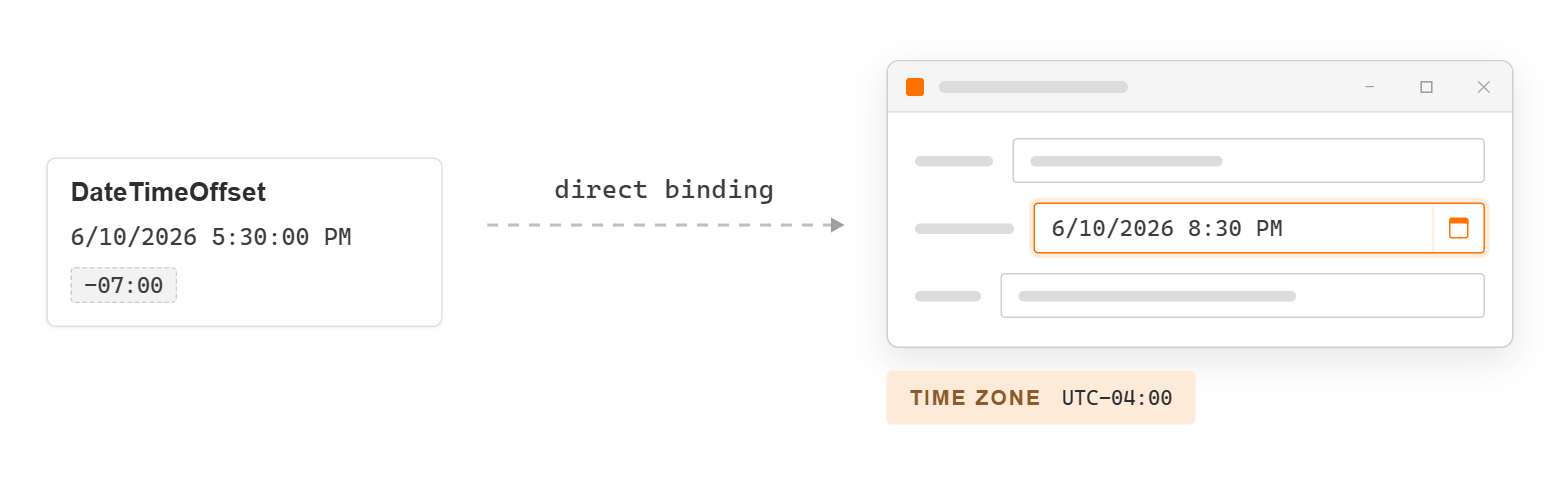
Applications that store time-zone-aware timestamps (financial transaction logs, audit trails, event schedules) often need to preserve the original offset to record each value accurately. DevExpress WinForms Data Editors and Data Grid will support DateTimeOffset natively. Both will convert the offset to the user's time zone automatically. Users will see each date-time value in their own local time, in a format they already expect.
Data Grid
Our Data Grid will convert DateTimeOffset values to local time in every element that displays a date. Support will cover every grid feature that works with dates:
- Filtering (including Filter Editor, Auto Filter Row, and filter popups).
- Sorting and grouping.
- Summary calculation.
EF Core Server Mode will also support DateTimeOffset columns.
Date Editor
Our Date Editor will accept DateTimeOffset values. An optional mode will display them in the user's local time zone. When a user edits a value, the editor will apply the offset that the local zone uses on that date. A daylight saving transition will not shift the result.
Server Mode over Web API
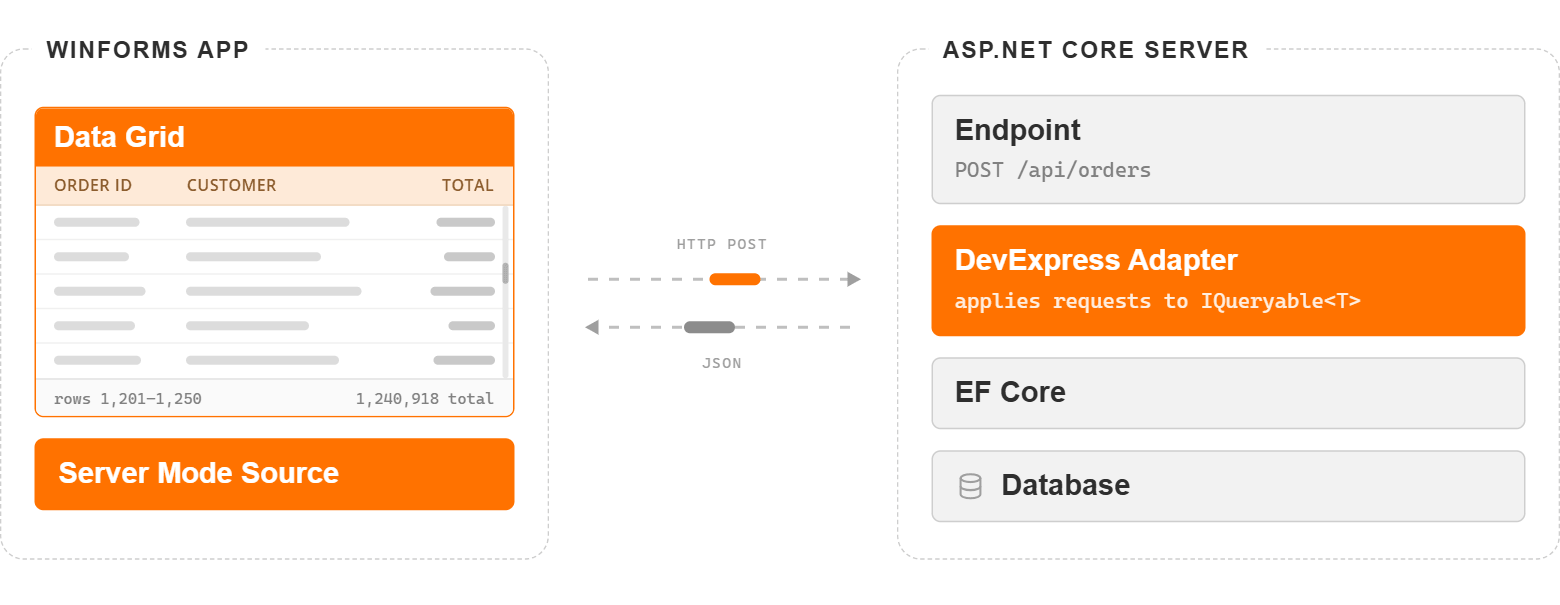
As you may know, DevExpress Server Mode allows you to work with millions of rows while maintaining UI responsiveness. With our next update, you will be able to connect Server Mode to ASP.NET Core endpoints without implementing OData.
Authentication, authorization, and the data you expose will remain entirely under your control:
- You will be able to supply your own HTTP client, so any scheme (bearer tokens, API keys, or cookies) will travel with the request untouched.
- Row-level rules will stay on the server: you will pass a pre-filtered collection to the registration call. Grouping and filtering will execute on top of that collection.
- The endpoint will deserialize only known DevExpress query types (to reduce the attack surface a public-facing API exposes).
- You will also be able to send data transfer objects (DTOs) instead of entity classes. Traffic will drop, and the data surface exposed to the client will narrow.
Accordion Control — Compact Mode
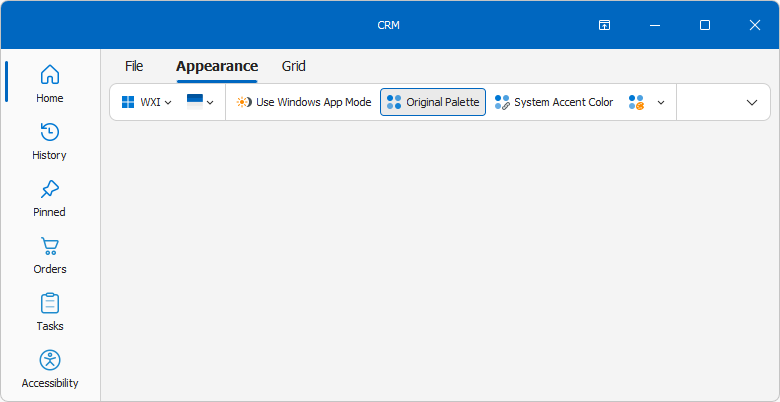
With v26.2, a compact layout will be easier to implement in the DevExpress WinForms Accordion Control. A single design-time action will transform a classic accordion control into a navigation panel that matches the appearance of modern Microsoft products (such as Teams, Outlook, and Microsoft Store).
Our WinForms Accordion Control will also support the following capabilities:
- Separate item icons for hover and pressed states, with no custom draw handler.
- Optional removal of the control's outer padding.
- Adjustable item padding.
Template Kit — UI Templates Migration
At present, our WinForms UI Templates ship in a separate Visual Studio extension. We expect to move the templates into the DevExpress Template Kit - a single entry point for every new project and item.